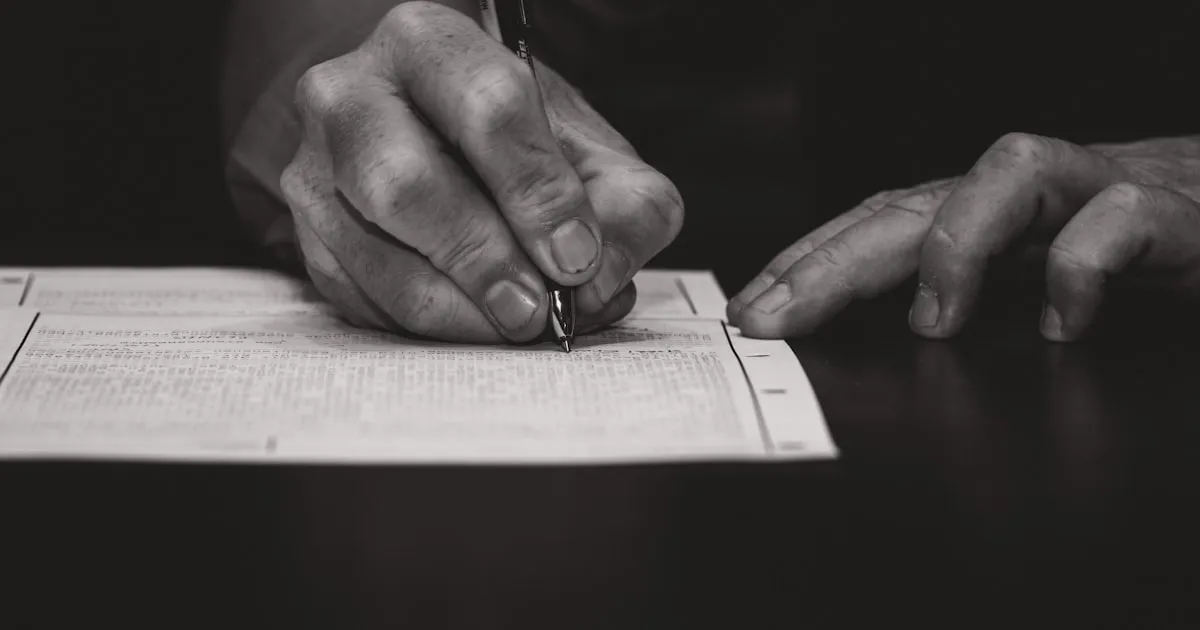
Menandatangani Dokumen Tanpa Mencetak: Apa Itu Tanda Tangan Digital
Bayangkan ini: Anda menerima kontrak melalui email, mencetaknya, menandatanganinya dengan pena, memindainya kembali, dan mengirimnya lagi. Prosesnya memakan waktu lima belas menit, membuang-buang kertas dan tinta, dan hasil yang dipindai terlihat lebih buruk dari aslinya. Di tahun 2026, ada cara yang lebih baik.
Tanda tangan digital memungkinkan Anda menandatangani dokumen langsung di layar, secara sah dan aman, tanpa menyentuh printer. Tetapi apa sebenarnya tanda tangan digital itu, dan mengapa Anda harus mempercayainya?
Masalah dengan Cetak-Tanda-Pindai
Alur kerja cetak-tanda-pindai bukan hanya merepotkan. Ini menimbulkan masalah nyata:
- Kehilangan kualitas. Setiap pemindaian memperburuk dokumen. Teks menjadi buram, warna berubah, dan ukuran file sering bertambah.
- Waktu terbuang. Yang seharusnya memakan waktu tiga puluh detik malah memerlukan printer, scanner, dan lima belas menit waktu Anda.
- Tidak ada keamanan. Tanda tangan yang dipindai hanyalah gambar. Siapa pun yang memilikinya dapat menyalin-tempelnya ke dokumen lain.
- Biaya lingkungan. Mencetak satu halaman tampak tidak berbahaya, tetapi kalikan dengan seluruh organisasi dan kertas bertambah banyak.
Peringatan Gambar tanda tangan tulisan tangan yang dipindai tidak memberikan perlindungan terhadap pemalsuan. Sangat mudah bagi seseorang untuk mengekstrak gambar tersebut dan menempatkannya di dokumen yang berbeda.
Apa Itu Tanda Tangan Digital, Sebenarnya?
Istilah "tanda tangan digital" digunakan secara longgar, jadi mari kita klarifikasi tiga jenis utamanya.
1. Tanda Tangan Elektronik Sederhana (SES)
Ini adalah bentuk paling dasar: mengetik nama Anda, menggambar tanda tangan dengan mouse atau jari, atau mengunggah gambar tanda tangan Anda. Ini menandakan niat untuk menandatangani tetapi tidak menyertakan verifikasi lanjutan.
Kasus penggunaan: Persetujuan internal, kontrak lepas, formulir pengakuan, perjanjian pribadi.
2. Tanda Tangan Elektronik Tingkat Lanjut (AES)
Tanda tangan ini secara unik terkait dengan penandatangan dan dapat mendeteksi apakah dokumen telah diubah setelah ditandatangani. Biasanya menggunakan sertifikat kriptografi yang tersimpan di perangkat penandatangan.
Kasus penggunaan: Kontrak bisnis, dokumen HR, perjanjian vendor.
3. Tanda Tangan Elektronik Berkualifikasi (QES)
Tingkat tertinggi, setara dengan tanda tangan tulisan tangan berdasarkan hukum UE. QES memerlukan sertifikat yang dikeluarkan oleh penyedia layanan kepercayaan yang berkualifikasi dan dibuat menggunakan perangkat pembuatan tanda tangan yang aman.
Kasus penggunaan: Pengajuan pemerintah, dokumen keuangan yang diatur, kontrak lintas batas dalam UE.
Tahukah Anda? Berdasarkan regulasi eIDAS UE, Tanda Tangan Elektronik Berkualifikasi memiliki kedudukan hukum yang sama dengan tanda tangan tulisan tangan di semua 27 negara anggota UE. Tidak ada pengadilan yang dapat menolaknya semata-mata karena bersifat elektronik.
Keabsahan Hukum di Seluruh Dunia
Tanda tangan digital bukan wilayah abu-abu hukum. Mereka secara eksplisit diakui oleh undang-undang di sebagian besar negara:
| Wilayah | Undang-undang | Poin Utama |
|---|---|---|
| Uni Eropa | Regulasi eIDAS (2014) | Ketiga tingkatan (SES, AES, QES) diakui; QES setara dengan tulisan tangan |
| Amerika Serikat | ESIGN Act (2000) + UETA | Tanda tangan elektronik sah untuk perdagangan; tidak dapat ditolak efek hukumnya |
| Inggris | Electronic Communications Act 2000 | E-signature dapat diterima sebagai bukti; sah untuk sebagian besar kontrak |
| Kanada | PIPEDA + undang-undang provinsi | Tanda tangan elektronik diterima secara luas untuk penggunaan komersial |
| Australia | Electronic Transactions Act 1999 | Mengakui tanda tangan elektronik dengan persetujuan semua pihak |
Untuk sebagian besar dokumen sehari-hari seperti perjanjian sewa, kontrak lepas, NDA, dan persetujuan internal, tanda tangan elektronik sederhana sudah lebih dari cukup.
Cara Kerja Penandatanganan Digital dalam Praktik
Prosesnya sangat sederhana:
- Buka PDF di alat penandatanganan, langsung di browser Anda.
- Buat tanda tangan dengan menggambarnya menggunakan mouse, trackpad, atau jari di layar sentuh. Atau ketik nama Anda dan pilih gaya tanda tangan.
- Posisikan tanda tangan pada dokumen tepat di tempat yang diperlukan.
- Unduh file yang sudah ditandatangani sebagai PDF baru, siap untuk dikirimkan.
Seluruh proses membutuhkan waktu kurang dari satu menit. Tidak perlu mencetak, memindai, atau menginstal aplikasi.
Kekhawatiran Umum (Dan Mengapa Itu Tidak Perlu Menghentikan Anda)
"Apakah ini benar-benar sah secara hukum?"
Ya. Seperti yang dijelaskan di atas, tanda tangan elektronik mengikat secara hukum di sebagian besar negara untuk sebagian besar jenis dokumen. Pengecualian jarang terjadi dan biasanya terbatas pada surat wasiat, akta properti tertentu, dan perintah pengadilan.
"Bisakah seseorang memalsukan tanda tangan saya?"
Tanda tangan elektronik yang digambar sama mudahnya dipalsukan seperti yang dipindai, artinya hanya seaman proses di sekelilingnya. Untuk jaminan yang lebih tinggi, gabungkan tanda tangan Anda dengan PDF yang dilindungi kata sandi atau cap waktu. Untuk dokumen penting, gunakan solusi AES atau QES.
"Apakah penerima akan menerimanya?"
Dalam konteks profesional, tanda tangan elektronik kini merupakan norma, bukan pengecualian. Jika penerima secara khusus memerlukan tanda tangan tinta basah, mereka akan memberitahu Anda. Jika tidak, PDF yang sudah ditandatangani adalah praktik standar.
Tips Untuk lapisan kepercayaan tambahan, tambahkan tanggal yang terlihat di bawah tanda tangan Anda dan kirim dokumen yang sudah ditandatangani dari alamat email profesional Anda. Ini menciptakan jejak yang jelas.
Praktik Terbaik untuk Menandatangani PDF
- Tinjau sebelum menandatangani. Baca seluruh dokumen. Tanda tangan menunjukkan persetujuan dengan isi penuh.
- Gunakan tanda tangan yang konsisten. Baik digambar atau diketik, buat tetap dapat dikenali dan konsisten di seluruh dokumen.
- Simpan salinan. Selalu simpan salinan yang sudah ditandatangani untuk catatan Anda sendiri.
- Gabungkan dengan perlindungan lain. Untuk kontrak sensitif, pertimbangkan menambahkan kata sandi atau tanda air setelah menandatangani.
- Periksa tanggal. Pastikan tanggal pada dokumen sesuai dengan tanggal penandatanganan sebenarnya.
Mulai Sekarang
Anda dapat menandatangani PDF pertama Anda sekarang, gratis, tanpa membuat akun. Alat kami berjalan sepenuhnya di browser Anda, sehingga dokumen Anda tidak pernah meninggalkan perangkat Anda.
Ikuti panduan langkah demi langkah: Cara Menandatangani PDF
Hentikan mencetak. Hentikan memindai. Mulailah menandatangani dengan cara modern.